
Key takeaways
- A JavaScript SEO audit is a parity check: the same page fetched twice, once as raw HTML and once after scripts run, with every SEO field compared between the two
- Google renders pages in a separate queue after crawling them, and a noindex in the raw HTML can stop rendering from happening at all, so JavaScript that removes it may never run
- Links only count if they are real a elements with an href, so navigation built from click handlers can hide whole sections of a site from a crawler
- The Mobile-Friendly Test that older guides recommend was retired on 1 December 2023; Search Console's URL Inspection and the Rich Results Test are the tools that show Google's rendered HTML now
A JavaScript SEO audit answers one question: does a search engine see the same page your visitors see? The way to answer it is a parity check. Fetch each page twice, once as the raw HTML the server sends and once after its JavaScript has run, then compare the fields that decide how the page is indexed. Where the two versions agree, JavaScript is not your problem. Where they differ, you have found the pages to look at, and usually the template behind them.
Why a JavaScript site needs its own audit
Google's JavaScript SEO documentation (last updated March 2026) describes three phases: crawling, rendering and indexing. Googlebot fetches the raw HTML first. Pages that return a 200 are then queued for rendering, where a headless Chromium runs the JavaScript, and Google notes that a page "may stay on this queue for a few seconds, but it can take longer than that."
That gap matters in three ways a normal audit will not show you:
- Anything that only exists after rendering waits for rendering. Copy, links or structured data injected by script are invisible on the first pass, and indexed only once the render has happened and succeeded.
- The raw HTML can veto the render. Google's guidance is explicit that when it finds a
noindex, it may skip rendering altogether, so JavaScript that is meant to remove thenoindexmay never run. A page shippingnoindexin its raw HTML is anoindexpage, whatever the rendered version says. - A crawler that does not render sees a different site. Many crawlers read raw HTML only, most AI crawlers included. If your navigation or copy depends on JavaScript, they audit a shell.
This is why "Google runs JavaScript now" is true and still not the end of the conversation. The question is not whether rendering happens, it is what your site is relying on it for.
What to compare between raw and rendered
These are the fields that change how a page is indexed or understood, in the order to fix them:
| Field | What a difference usually means | Severity |
|---|---|---|
| Meta robots | A noindex added or removed by script. Removal may never run, see above |
Fix first |
| Canonical | A router or tag manager rewriting the canonical, or a second one added, so the page now carries two | Fix first |
| Title | A generic build-tool title in the raw HTML ("React App") replaced on load | High |
| Main copy and H1 | Content fetched client-side, so the raw HTML is a near-empty shell | High |
| Internal links | Navigation built from click handlers rather than real links | High |
| Hreflang | Alternates injected by script | Medium |
| JSON-LD | Structured data added by a tag manager or plugin after load | Medium |
Two of those deserve a closer look.
Links. Google says it can only discover links that are <a> elements with an href. A <span> with a click handler, or an <a> with no href that routes in JavaScript, works for a visitor and is a dead end for a crawler. Single-page apps should also use the History API rather than # fragments for their routes, because Google says it cannot reliably resolve fragment URLs.
Canonicals. Setting the canonical with JavaScript is allowed, but Google's warning is that it must be the only rel="canonical" on the page. The common failure is a raw canonical from the server plus a second one injected by the app, which leaves the search engine choosing between two. We cover how template-level canonical mistakes spread in canonical tag bugs that come from templates.
How to check a single page
For one URL, you do not need a crawler. Three checks cover most cases:
- View Source against Elements. View Source shows the raw HTML; the Elements panel in your browser's developer tools shows the rendered DOM. Search both for a sentence from the main content, the canonical and the robots tag.
- URL Inspection with a live test. In Search Console, inspect the URL, run the live test and open the tested page's HTML. That is Google's rendered version, not yours, which matters when a script behaves differently for Googlebot.
- The Rich Results Test for a site that is not in your Search Console. It also shows the rendered HTML, and it confirms whether structured data that only appears after JavaScript is being picked up.
Many older guides still send you to Google's Mobile-Friendly Test for this. Google retired it on 1 December 2023, along with Search Console's Mobile Usability report, so any guide that recommends it predates that.
A fourth, quieter check: if a page has never been crawled since publish, the rendered-HTML view in URL Inspection is a live fetch, not what is in the index. The crawled but not indexed report is where a rendering problem tends to surface once Google has actually processed the page.
How to audit a whole site
One page tells you whether a template has a rendering dependency. A site audit tells you which templates, and how many pages each one affects, which is what you need to prioritise the fix. The method is the same parity check at scale:
- Crawl the raw HTML first. This is the site as a non-rendering crawler sees it. If the crawl stops at the start page, or finds a fraction of the pages you expected, the navigation depends on JavaScript, and that is your first finding.
- Render a sample of every template. You rarely need to render every URL. Render enough pages to cover each template, plus every page whose raw HTML carries no structured data, since that is where injected JSON-LD hides.
- Diff the fields above, page by page. Group the differences by template. Forty product pages with a script-written title are one bug, not forty.
- Re-crawl after the fix and compare. A fix that reaches one template and misses another looks finished until you diff the two crawls. Our guide to comparing two SEO crawls covers that step.
How Crawl Cove handles JavaScript
Crawlers are easy to oversell on this point, so here is exactly what Crawl Cove does. It fetches the raw HTML of every page and follows links found in that raw HTML. Rendering is a second, optional pass, and it is off by default.
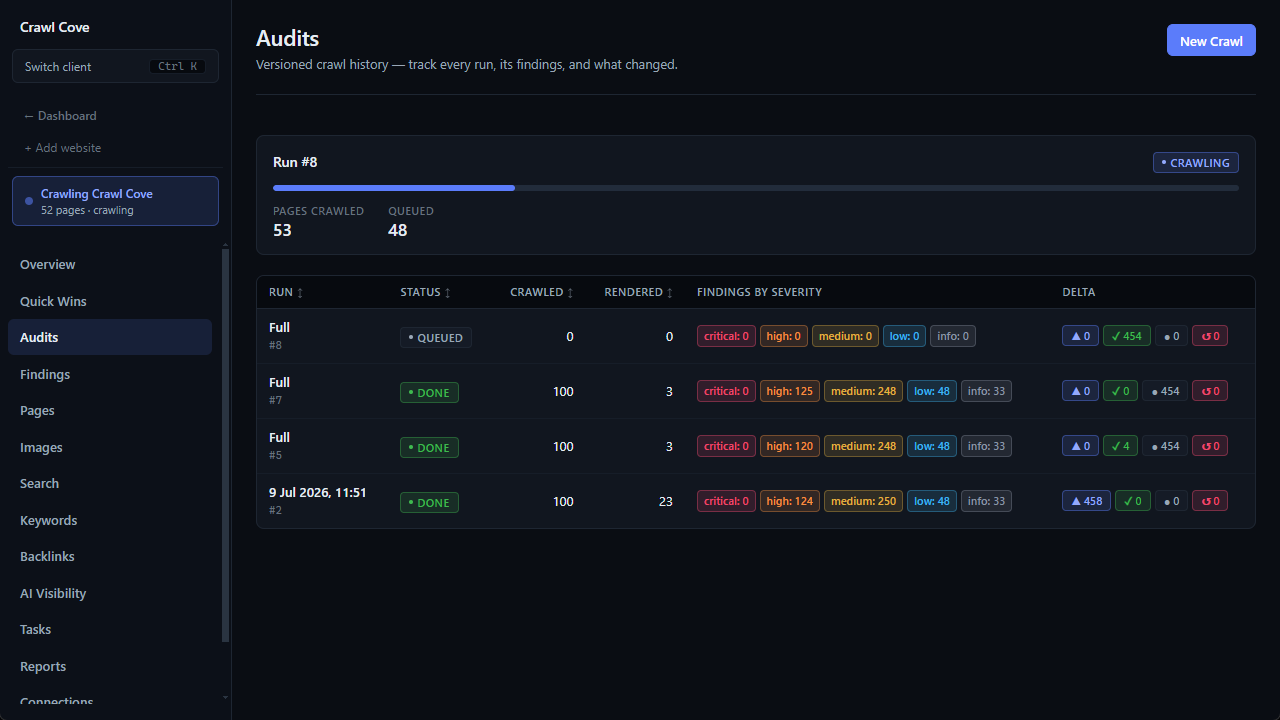
To turn it on, raise Render-sample % in the New crawl form above 0. Crawl Cove then loads an evenly spaced share of the crawled pages in a real browser, plus every page whose raw HTML had no JSON-LD, using Google Chrome or Microsoft Edge already installed on your machine. If neither is installed, the crawl tells you so rather than reporting a clean result.
For each rendered page it compares the two versions, and raises Content that depends on JavaScript when the rendered page added JSON-LD the raw HTML lacked, changed or injected the title, or at least doubled the visible text and grew it by 500 characters or more. On rendered pages, the title, headings, word count and hreflang checks use the rendered values, so a client-side app is not reported as having no H1 because its raw HTML is empty. Links that only appear after rendering are counted but not followed; with rendering on, a crawl that stops at the start page because its links only exist after JavaScript runs is reported as incomplete rather than scored as healthy.
It does not yet compare the canonical or the robots tag between the two versions, so for those two fields, use the single-page checks above on one page per template.
Fixing what you find
- Render the critical fields on the server. Title, meta robots, canonical, H1, the main copy and the navigation links belong in the raw HTML. Interactivity can stay client-side.
- Pre-render where content does not vary per visitor. Static generation at build time gives you raw HTML that matches the rendered version without rewriting the app.
- Never rely on JavaScript to remove a
noindex. If a page should be indexed, its raw HTML must say so. - Turn script routes into real links. An
<a href>that your router intercepts works for both visitors and crawlers. - Treat dynamic rendering as a stopgap. Google describes serving bots a separately rendered version as a workaround, not a long-term solution.
For the wider list of what a technical audit covers beyond rendering, see the technical SEO audit checklist.
Wrap-up
A JavaScript SEO audit is not a judgement on whether a site uses JavaScript. It is a comparison: the raw HTML against the rendered page, field by field, grouped by template. The fields that matter most are the ones Google acts on before it renders, robots and canonical, followed by titles, copy and links. Check one page per template by hand, crawl and render a sample to find the scale, fix it in the template, then re-crawl to prove the fix reached every page it needed to.
Frequently asked questions
- Does Google render JavaScript?
- Yes. Google's own documentation describes three phases, crawling, rendering and indexing, and says it queues every page that returns a 200 for rendering unless a robots meta tag or header tells it not to index the page. The catch is timing and dependency: the page can sit in the render queue for longer than a few seconds, and anything that only exists after rendering depends on that second step going right.
- What is the difference between raw HTML and rendered HTML?
- Raw HTML is the response body the server sends, the thing you see with View Source. Rendered HTML is the document after the browser has run the page's JavaScript, the thing you see in the Elements panel of developer tools. On a server-rendered site they are nearly identical; on a client-rendered app the raw version can be an almost empty shell.
- Which fields should I compare between raw and rendered?
- The ones that change how a page is indexed or understood: the title, meta robots, the canonical tag, the H1 and main copy, internal links, hreflang and JSON-LD structured data. A difference in any of them is worth a look, and a difference in robots or canonical is worth fixing first.
- Can I fix JavaScript SEO problems without rewriting the site?
- Often, yes. Pre-rendering pages at build time, or rendering the critical fields on the server while leaving interactivity to the client, fixes most of what an audit finds. Google describes dynamic rendering, serving bots a different version from users, as a workaround rather than a long-term solution.
- How do I check a single page quickly?
- Run it through Search Console's URL Inspection with a live test and open the tested page's HTML, or the Rich Results Test if the site is not in your Search Console. Search that HTML for a sentence from the main content, the canonical and the robots tag. If they are missing or different from what you expected, the page has a rendering dependency.